


Native UI for .NET.
bibui is an immediate-mode UI library. It has a few small node types, such as Box and Text, and everything you build is a composition of them. Each frame is laid out in one pass. Then the renderer you choose draws it: Skia on the GPU, or a rasterizer written in C# that ships as one 5 MB native binary.

Measured on one machine (Ryzen AI 9 365, Radeon 880M, Hyprland, .NET 10). How it was measured.
You own the loop and the state.
There is no retained widget tree to patch. There are no callbacks to register. You write the loop. Each turn builds the frame from your own variables. It asks the boxes what happened to them, then hands the result to a renderer.
- No callbacks.
runtime.Button(…)returnsClicked, and you act on it inline. - No hidden state. A component takes the value to draw and returns what happened. It never writes yours.
- No discovery. The window and renderer are the ones you name. Nothing is looked up at run time, so the trimmer keeps exactly what you use.
using Bibui.App;
using Bibui.Core.Runtime;

var runtime = BibuiRuntime.Create();
using var app = BibuiApp.Open(runtime, new("Counter", 360, 160));
int count = 0;

while (app.BeginFrame())
{
    runtime.BeginBuild(app.Events);

    runtime.BeginCenterXY();
    var column = runtime.BeginParent(runtime.Column());
    {
        runtime.Text($"Clicked {count} times");
        runtime.Gap(12);
        if (runtime.Button("add", "Add one").Clicked)
            count++;
    }
    runtime.EndParent(column);
    runtime.EndCenterXY();

    runtime.EndBuild();
    app.EndFrame();
}The counter above, compiled to WebAssembly and running here. Click Add one. This demo runs bibui in the browser and needs JavaScript and WebAssembly.
Small rules that compose.
bibui is a few node types and a handful of rules. Once you know them, a component's signature tells you most of what it does.
Built bottom up
A few node types, such as Box and Text, are all there is. A column, a button or a dialog is a fast path for a composition of them, not a new kind of node.
One-pass layout
Every node states its size on each axis. The size is pixels, a share of its parent, or its content. The solver resolves the whole tree at once. A mistake throws a LayoutException that names the node. You never get a layout that is almost right.
Ask order is z-order
There is no hit-test pass. A box claims what it takes and asks what happened. The first box to ask for a point gets it. Nothing else decides which box is on top.
Themes from one seed
Colours are tokens. They are resolved when the frame is painted. Theme.FromSeed("#0EA5E9") builds every role at 4.5:1 contrast or better. A running app can switch theme without rebuilding anything by hand.
Verified pixels
On each change, every component is rendered and compared with its reference pictures. A frame is a pure function of tree, theme and surface. It gives the same image, byte for byte, every time.
Testable without a window
BibuiPage runs a runtime headless. It can click by id, type, read text and take a screenshot. Clicks take the same input path as a real pointer, so a covered button does not get clicked.
Same build code, two ways to draw it.
The runtime records each frame into a DrawList. A platform provides a window, and a renderer draws that list into it. You pick each one in a single line. Your build code never knows which you picked.
Silk + Skia
Bibui.App.SilkSkiaGl- Best at
- Whole-window redraws: about 1.0 ms of CPU per megapixel
- Ships
- libSkiaSharp, GLFW
- Runs on
- The JIT. Silk.NET is not yet trim-safe
Wayland + managed
Bibui.App.WaylandManaged- Best at
- Size, start-up and memory, with damage tracking
- Ships
- One file. No third-party NuGet dependencies
- Runs on
- Native AOT, about 5 MB
Twenty-six components, each a function.
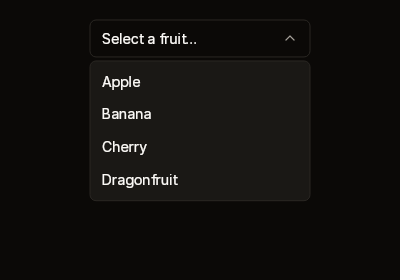
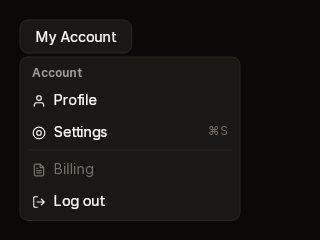
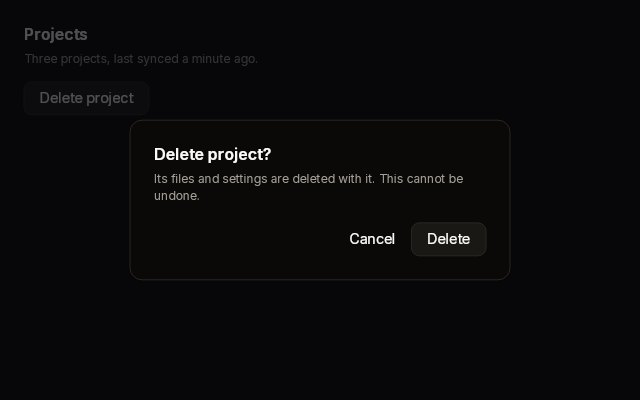
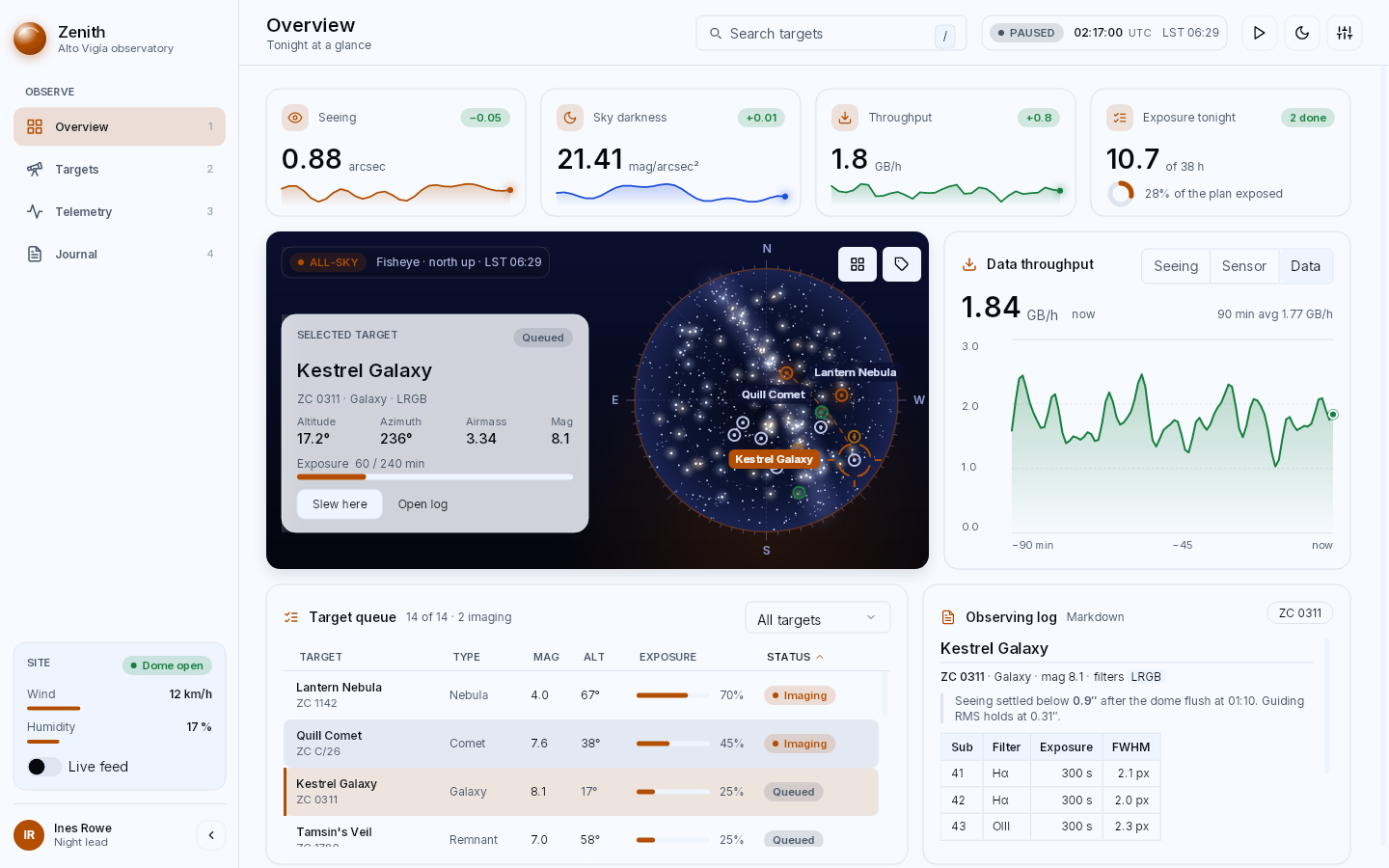
Buttons, switches, sliders, selects, text fields, tabs, menus, dialogs, a Markdown viewer and more. Each one is a shortcut for a composition you could write yourself from the same Box and Text, so their source is the best guide to writing your own.


A whole theme from one colour.
A theme is one value, ThemeTokens. It holds colours, sizes, line widths, density and motion. You can start from a built-in theme and change one role with with. You can load a JSON file that lists only what it changes. Or you can generate the lot from a brand colour.
runtime.SetTheme(Theme.FromSeed("#0EA5E9", mode: ThemeMode.Light));From an empty folder to a native binary.
The getting-started guide builds a small app with its own component, a theme, a headless test and a Native AOT publish.