Components
bibui's components are plain functions in the Bibui.Core.Runtime namespace. Each one builds a few boxes and texts under the parent in scope and returns what happened to them this frame. None of them owns state, and none of them has a renderer of its own: the ordinary painter draws every one.
Inputs
 ButtonA labelled button, solid or ghost
BibuiWidget
 SwitchAn on/off switch whose knob travels
BibuiWidget
 CheckboxA square with a check or a dash, and a label
BibuiWidget
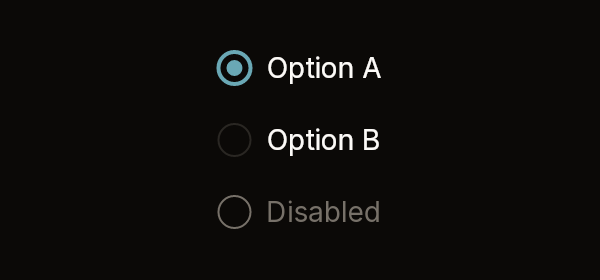 RadioGroupA column of options, one chosen
RadioGroupWidget
 Toggle and ToggleGroupA button that stays pressed, and a segmented control
BibuiWidget, ToggleGroupWidget
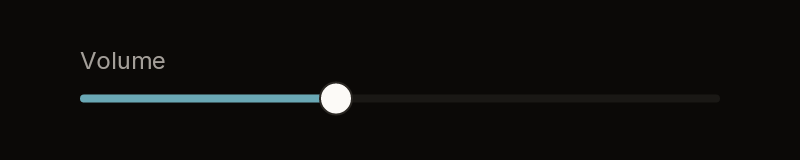 SliderA value on a track
SliderWidget
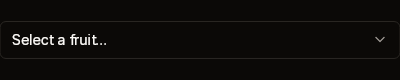 SelectA trigger that opens a list
SelectScope → Box
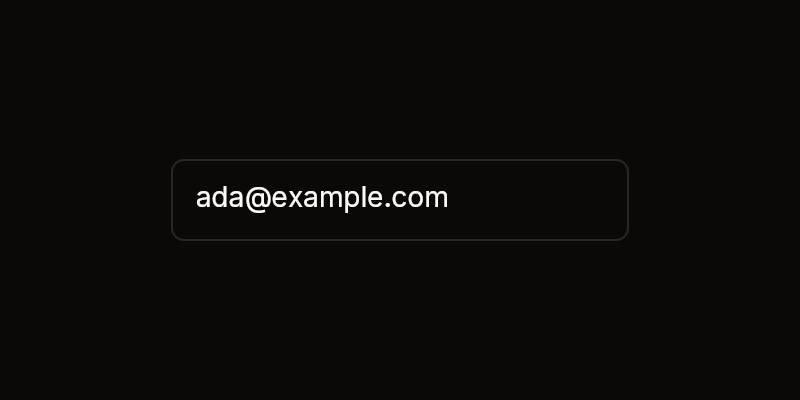 TextFieldSingle-line, ellipsis and multi-line text, and the input look
BibuiWidget
Structure
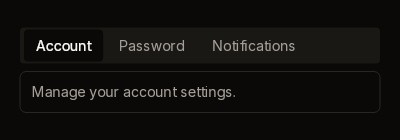 TabsA strip of tabs and the panel under it
TabsWidget, Box
 ExpanderAn outlined frame whose header opens a body
ExpanderWidget
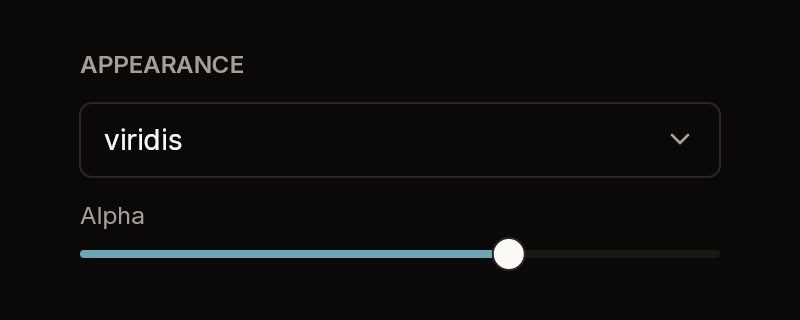 SectionA caption over a group
Box
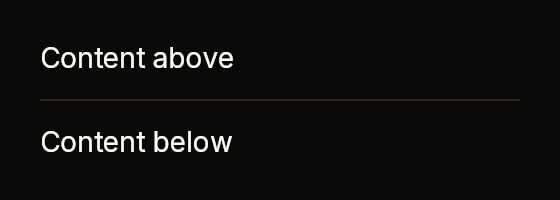 SeparatorA line between things
Box
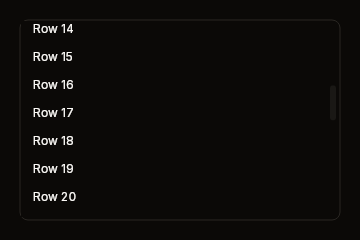 ScrollbarA bar beside a view that scrolls
BibuiWidget
Overlays
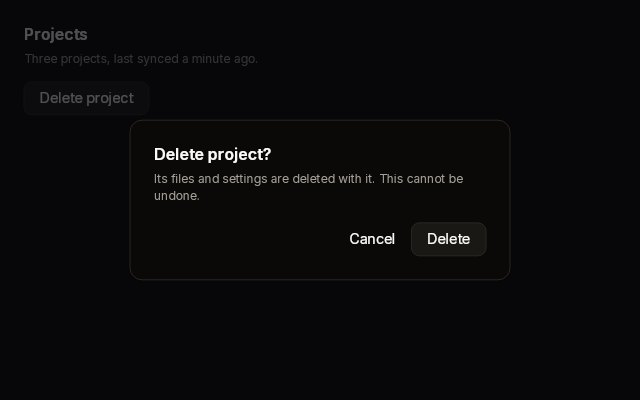 DialogA modal panel on a scrim: centred, sheet or drawer
DialogScope → DialogWidget
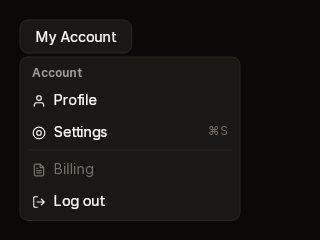 MenuA dropdown or context menu of actions
MenuScope → BibuiWidget
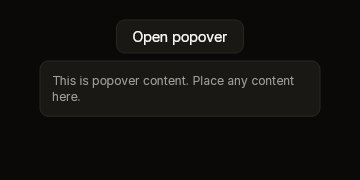 PopoverA raised panel under a trigger
PopoverScope → BibuiWidget
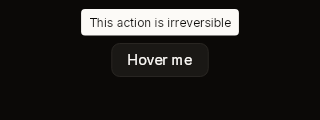 TooltipOne line of text over a trigger
Box
Display
 BadgeA pill with a short label
Box
 AvatarInitials on a circle
Box
 KeyboardShortcutKeycaps for a keyboard shortcut
Box
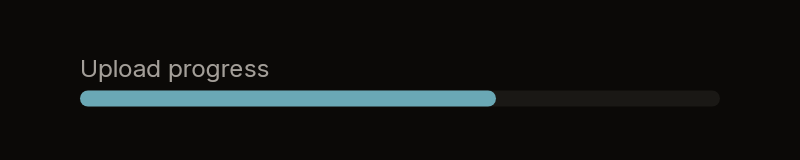 ProgressA filled share of a track
Box
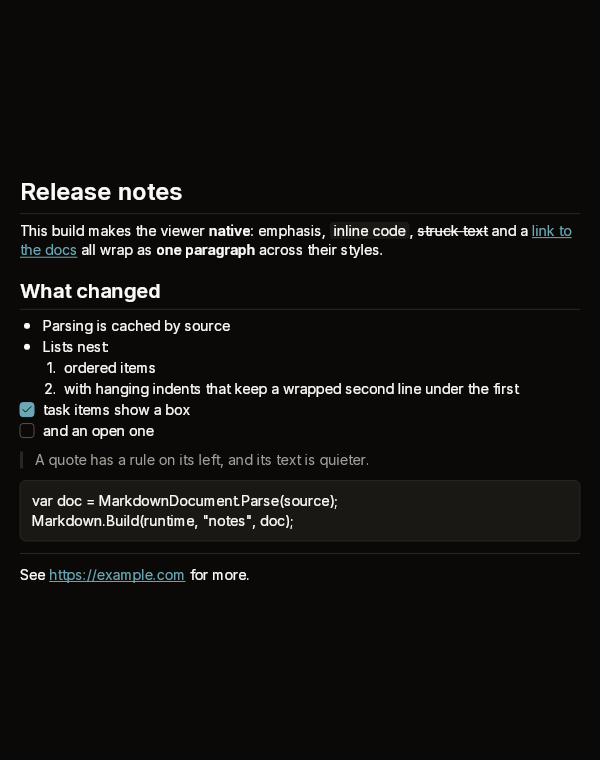 MarkdownA read-only Markdown viewer
MarkdownWidget
 Text, Icon and SpinnerThe runtime's own leaves
Text, Icon, Spinner
New to bibui? Start with Getting started. The ideas this page takes for granted, such as boxes, sizes, asks and retained boxes, are in Concepts. For colours and tokens, see Theming.
How every component works
All the components follow the same rules. Once you know them, a signature tells you most of what a component does.
- You call it from your build function, every frame.
runtime.Checkbox(…)links the checkbox under the parent in scope (the box you began withruntime.BeginParent), or you place the node it returns yourself. - The
idnames its retained boxes. Any part that takes a press is a retained box (runtime.BoxFromId), so it keeps its hover and press state from frame to frame. Ids must be unique among the boxes built in a frame. Components that have rows name them{id}-{value}. - Your state goes in by value, and what happened comes back. A checkbox is given
onand reportsClicked. It never flipsonitself; you do that. Nothing is a callback. - Labels are
ReadOnlySpan<char>. Pass astring, a slice, or text formatted into a stack buffer: the label is copied, so it may change as soon as the call returns. ABibuiStris only for text the user edits. - Disabled is a claim. A disabled control still takes the press but reports nothing, so the press does not fall through to whatever is beneath it.
- Ask order is z-order. A component asks about its boxes when you call it. The first box to ask for a point gets it. So build an overlay before the content under it, and a container after the controls inside it. Dropdown roots (Select, Menu, Popover, Dialog) are the exception: they win over everything, whenever they ask.
- Colours are tokens. A component never takes a
ThemeTokens. It names tokens such asUiColor.Accent, which the painter resolves against the mounted theme. Each page lists the tokens its component reads.
What comes back
Most controls return a BibuiWidget:
| Field | Meaning |
|---|---|
Node | The node to place. A BibuiWidget converts to UiNode on its own. |
Clicked | The press went down and came up on it. Act on this. |
Pressed | The left button went down on it this frame. Use it for a press-down look, or to focus a field. |
Hovering | The pointer is over it now. |
Interaction | Everything else: drag, release, wheel, pointer position, modifiers, press count. |
Components that pick one of several values return their own record with a Picked value, such as RadioGroupWidget and TabsWidget. Overlays that you fill between Begin and End return a scope, and End() gives the result.
The examples
Each example on these pages is a whole C# file that compiles against the Bibui.Core package. The caller's state is in the fields of a small class, and its Build(runtime) method is meant to be called from your build function every frame. Each screenshot is the reference picture of a fixture in bibui's pixel verification suite, which checks every component against its pictures on each change. Each page names the fixture it shows.